
Views: 222 Author: Tina Publish Time: 2025-11-12 Origin: Site


Content Menu
● Key Benefits of Using a Timer
● Understanding Pool Timer Types
● Step-by-Step Installation Process
>>> Preparation
>>> Connecting Wires
>>> Closing Up
>>> Digital Timers
>> Testing and Final Adjustments
>> 1. Is installing a pool pump timer a DIY job?
>> 2. What is the best timer for a pool pump?
>> 3. Can I automate my pump remotely?
>> 4. How many hours should a pool pump run daily?
>> 5. Will installing a timer save money?
A pool pump timer automates your filtration schedule, removing the need for daily manual operation. Whether dealing with sand filters, DE filters, or cartridge systems, a properly installed timer can drastically optimize pool care. Modern OEM manufacturers, especially those supplying global brands, now integrate timers for both energy savings and customer convenience.[1]
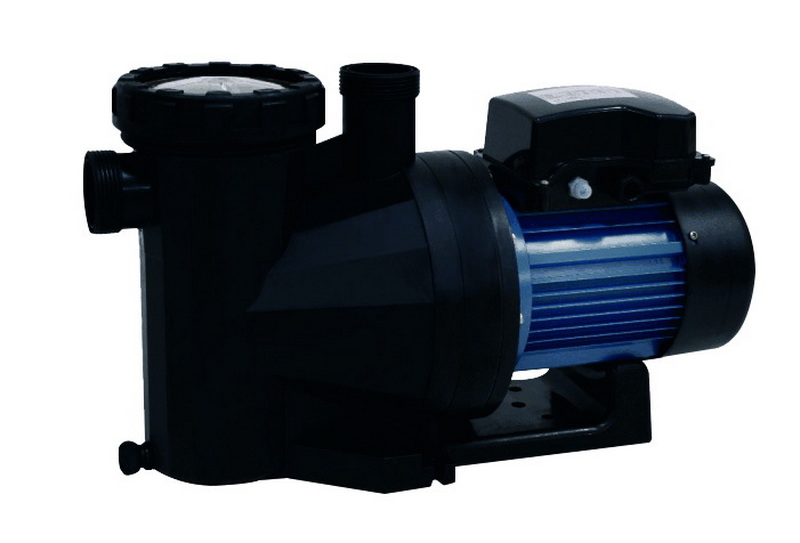
A pool pump timer is a device that automatically switches your pool pump on and off at designated times. Timers can be mechanical (analog) or digital, supporting different voltage and amperage ranges for residential and commercial pools.[2]
- Reduced energy costs by restricting pump runtime to necessary hours
- Improved water cleanliness and circulation
- Prolonged pump and filter lifespan
- Convenient seamless scheduling
Timers pay for themselves within a season by reducing unnecessary runtime and ensuring optimal water clarity and hygiene.[2][1]
Before beginning, gather these essential tools and supplies:
- Outdoor-rated pool pump timer (mechanical or digital, e.g., Intermatic T104/T101)
- Screwdrivers (flat and Phillips)
- Drill (for wall mounting)
- Voltage tester or multimeter
- Electrical tape and wire nuts
- Outdoor-rated conduit and wires (to match pump and timer rating)
- Personal protective equipment (insulated gloves, glasses)
- Always turn off power at the breaker before touching pool wiring.
- Use a voltage tester to confirm no power is present.
- Double-check timer voltage (120V/240V) and rating compatibility with your pump.
- For complicated wiring or if unsure, consult a licensed electrician.[4][1]
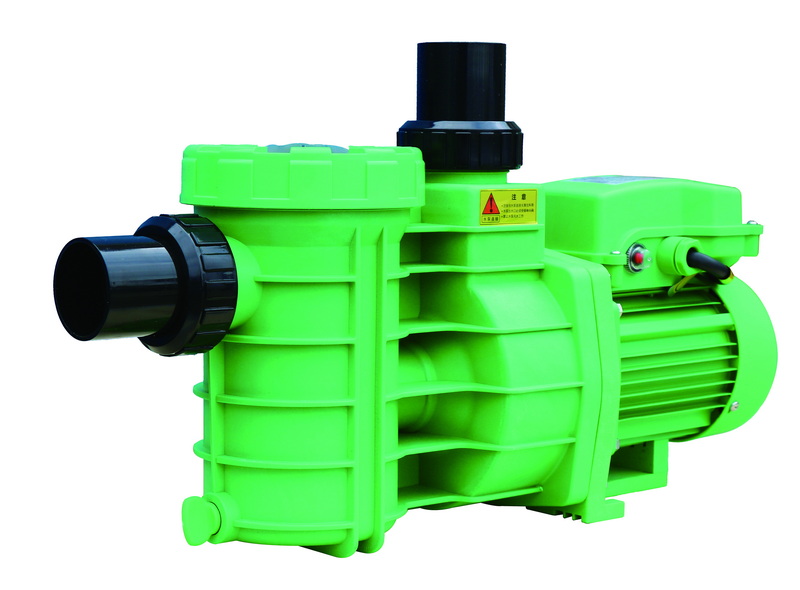
There are two main timer types:
- Mechanical (Analog): Uses a rotating dial and “trippers” for on/off intervals.
- Digital: Allows precise scheduling, often with programmable options and additional features.
Below is a visual comparison table:
| Feature | Mechanical Timer | Digital Timer |
|---|---|---|
| Setup Simplicity | Manual dial, easy | LCD menus, flexible |
| Power Failure | Keeps time unless stopped | May reset if no backup |
| Price | Lower | Higher |
| Features | Basic scheduling | Multiple programs, advanced settings |
- Select a wall near your pool's equipment pad, sheltered from excessive moisture.
- The timer should be within cable reach of your power supply and pump.
1. Mark mounting holes on the wall.
2. Use anchors if mounting on masonry or concrete.
3. Secure the timer box using screws.
- Cut power from your main breaker.
- Open the timer box and locate the terminal block.
- Remove the knockouts for conduit entry.
- Pull outdoor-rated wires through conduit from breaker to “LINE” terminals in the timer.
- Run a second set from “LOAD” terminals to the pool pump.
- Ground all connections properly using the grounding lug provided.
- For 240V setups, connect bare ground to the grounding screw, both hot wires to terminals 1 and 3. For 120V, follow the wiring diagram included with your timer.[9][1][2]
- Demonstrates wiring both 120V and 240V models, identifying “Line” and “Load” cables.
- Shows correct placement of ON/OFF trippers (mechanical) or programming menu (digital).
- Double-check all terminal connections.
- Replace timer box cover securely.
- Restore power at the breaker.
- Rotate dial to set current time.
- Place ON/OFF trippers at desired times.
- Tighten trippers to the dial.[11][2]
- Enter settings or programming mode.
- Input start/stop times for desired intervals.
- Save and exit to activate the schedule.[6]
- Manually set timer “ON” to confirm pump activation.
- Verify the timer will switch on/off at the programmed schedule.
- Adjust trippers or digital settings if needed.
Installing a pool pump timer is one of the best investments for pool owners and professionals seeking efficient, automated filtration management. With clear instructions and safety precautions, most users can complete installation in under an hour and begin enjoying cost savings and reliable pool operation. For OEM, distributors, or end users, this tutorial offers a clear process adaptable to sand, DE, and cartridge filter setups.
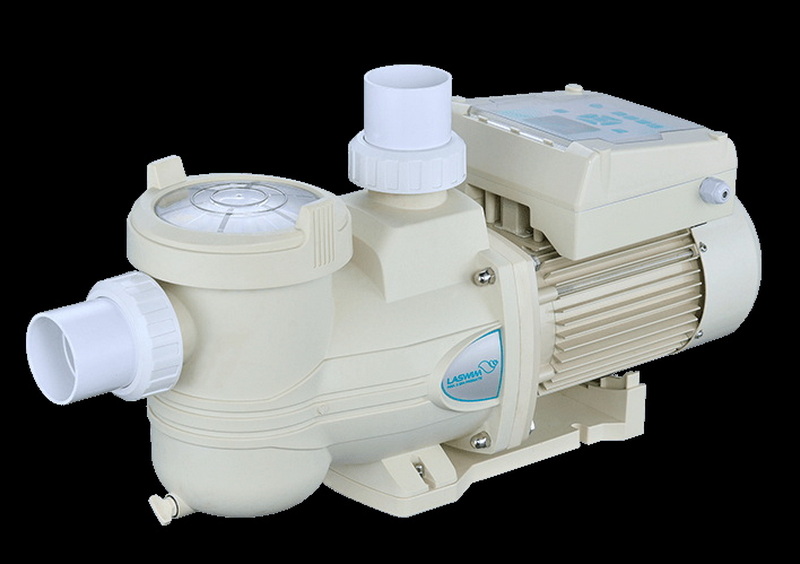
Most mechanical and digital timers are designed for straightforward installation with basic electrical knowledge. However, if you feel uncertain about handling electrical wiring, it is safest to hire a licensed electrician.[4][1]
Mechanical analog timers (like the Intermatic T104 for 240V, T101 for 120V) are reliable for most single-speed pumps. For programmable schedules or variable speed pumps, digital timers are a better choice.[1][2]
Yes, smart digital timers or Wi-Fi-enabled switches allow remote control and scheduling from your smartphone, further enhancing convenience.[12][13]
Typically, 8 hours during the warm season is sufficient for most pools. This can vary with pool size, location, and filter type.[14]
Yes. Most pool owners cut energy consumption by 30% after switching from manual to timer-based pump operation. This often results in significant savings by the end of the swimming season.[1]
[1](https://www.geya.net/pump-timer-switch-use/)
[2](https://www.inyopools.com/HowToPage/how_to_install_an_intermatic_t104_timer.aspx?CommentPage=1)
[3](https://dewenwils.com/blogs/news/how-to-set-up-your-pool-pump-timer-without-risk)
[4](https://www.reddit.com/r/pools/comments/152b6ui/adding_a_pool_timer/)
[5](https://www.youtube.com/watch?v=u2_5uXFuhpc)
[6](https://billyspoolservices.com/how-to-set-a-pool-pump-timer-step-by-step/)
[7](https://www.youtube.com/watch?v=ImhZ0RA0iZY)
[8](https://www.youtube.com/watch?v=co571aMvYmo)
[9](https://www.youtube.com/watch?v=8YLkD4lTtF0)
[10](https://www.youtube.com/watch?v=ksuYsmnE-uM)
[11](https://www.splashmobpools.com/blog/how-to-set-an-analog-pool-timer)
[12](https://www.facebook.com/groups/637529959937311/posts/2314347465588877/)
[13](https://www.instagram.com/reel/DM0hjtRqG7-/)
[14](https://forums.mikeholt.com/threads/pool-pump-timer.106072/)
[15](https://www.youtube.com/watch?v=5YZGojgkYXA)
[16](https://www.youtube.com/watch?v=jDydRNTX2pw)
[17](https://www.facebook.com/groups/637529959937311/posts/2304492759907681/)
[18](https://www.tiktok.com/@imthatchick/video/7105590735050771755)


