
Views: 222 Author: Tina Publish Time: 2025-11-28 Origin: Site


Content Menu
● Understanding your Pentair pump
● Basic setup before programming
● Navigating the control panel
● Programming speeds or flow rates
● Manual mode and egg timer runs
● Using Pentair automation and apps
● Recommended programming strategies
● Troubleshooting common programming issues
● Safety and maintenance reminders
● FAQs about programming a Pentair pool pump
>> 1) How many speeds or programs can a Pentair variable‑speed pump store?
>> 2) Do I need to reprogram the pump after a power outage?
>> 3) Can I make my Pentair pump run 24 hours a day?
>> 4) What is the difference between Speed and Flow programming on a VSF pump?
>> 5) Can I control my Pentair pump from my phone?
How to program a Pentair pool pump correctly depends on your pump model, but the basic process is always: access the control panel or app, set your desired speeds or flow rates, then schedule start/stop times that match your pool's filtration, heating, and cleaning needs. With a clear step‑by‑step approach, even first‑time pool owners can optimize energy savings and water quality using the built‑in programming features.[1][2][3]
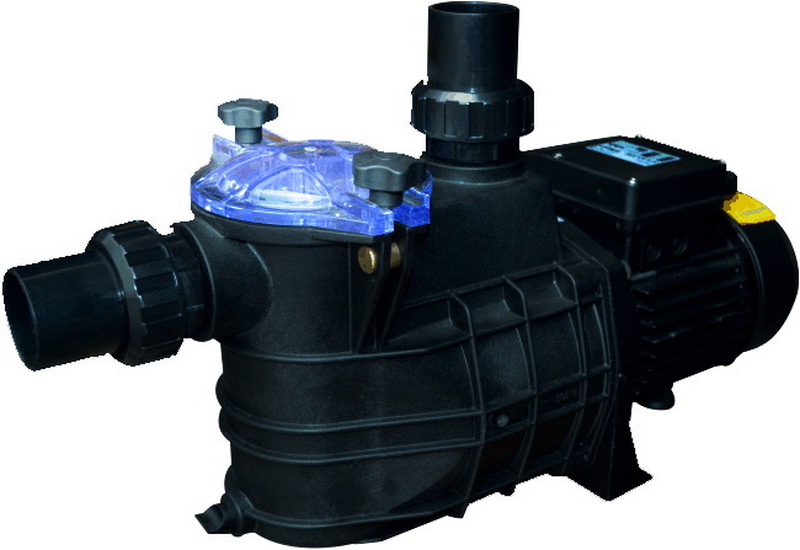
Pentair offers several variable‑speed and variable‑flow pump families, such as IntelliFlo VSF, IntelliFlo3 VSF, IntelliPro3, and SuperFlo VS, and their programming menus are similar but not identical. Before programming, confirm your exact model and read the safety section of the owner's manual to understand basic electrical and priming precautions.[4][3][5]
Most modern Pentair pumps support up to 4–8 programmable speeds or flow programs that you can assign to different tasks like normal filtration, heating, spa jets, water features, or vacuuming. Many can also be controlled through Pentair automation systems or the Pentair Home app, which adds smartphone scheduling and remote monitoring.[6][2][7][4]
Before you start programming schedules, the pump and hydraulic system must be set up and primed correctly. Improper priming or closed valves can cause dry‑run conditions and trigger alarms, so check these basics first.[8][9][4]
Key pre‑checks:
- Ensure the pump is installed on a solid base, properly wired to the correct voltage, and bonded/grounded according to the manual.
- Verify that all suction and return valves are open and the filter air‑relief valve is functional.
- Fill the pump strainer pot with water, install the lid tight, and then power on so the pump can automatically prime.[4]
- Confirm that no leaks or unusual noises occur during the first few minutes of operation.
Most Pentair VS/VSF pumps have a digital keypad with buttons such as Menu, Select, Start/Stop, up/down arrows, and Speed buttons (1–4 or 1–8). Learning how to move through the menu makes the rest of the programming process much easier.[10][11][3][12]
Typical navigation logic:
- Press Menu to access settings or configuration options like Speeds, Schedules, Priming, and Clock.[1]
- Use the up/down arrows to scroll through menu items, then press Select to enter an item.[11]
- Adjust numeric values (RPM, GPM, start time, stop time, or duration) with the arrows, and press Save or Select to confirm.[13][12]
- Press Start/Stop to begin running either a manual speed or the active schedule program.[14][3]
Correct time and date are critical because your schedules run according to the internal clock. If the clock is wrong, the pump may run at high speed during peak power rates or stop when the pool needs filtration.[3][7][1]
General steps:
- Go to the Clock or Time/Date menu option from the main settings list.
- Use the arrows to set the current hour and minutes; then choose AM/PM if applicable.[11]
- Some controllers also let you set the day of week and calendar date; set these if your pump supports day‑based schedules.[2][7]
- Save the settings and verify the display shows the correct current time.
Pentair variable‑speed and variable‑flow pumps allow you to define custom speeds (RPM) or flow rates (GPM) for several numbered slots, typically Speed 1–8. Lower speeds are generally used for everyday filtration, while higher speeds support heaters, in‑floor cleaners, or spa jets.[15][3][1][4]
Typical process to set a speed:
- Open the Speeds or Speeds 1–8 menu on the keypad.[11]
- Select a speed slot (for example, Speed 1) and choose whether it will be controlled as Speed (RPM) or Flow (GPM) if your model supports both.[13][2]
- Enter the desired RPM or GPM. For normal filtration on many residential pools, a moderate RPM is usually sufficient; high RPM is reserved for tasks such as vacuuming or running attached spas.[12][1]
- Save the speed, then repeat for other slots, assigning each slot to a different task or time of day.[3][13]
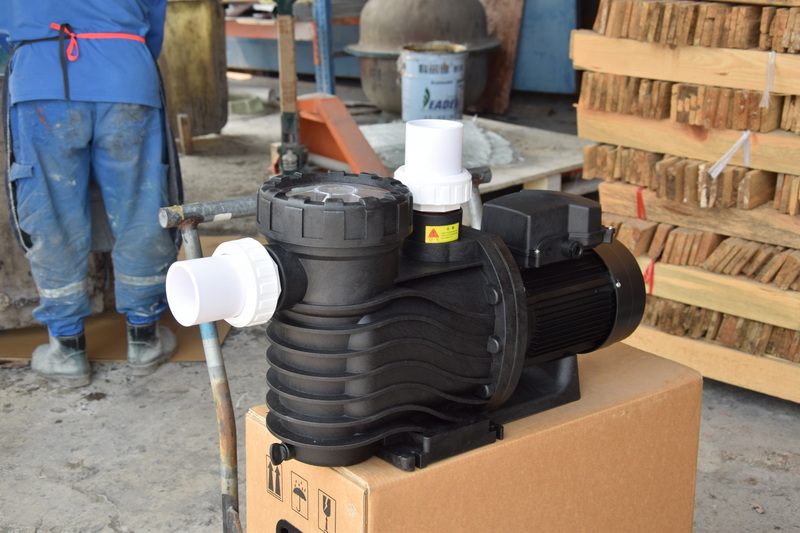
Once speeds are configured, you can program start/stop times or durations so the pump runs automatically each day. Most Pentair VS/VSF pumps support multiple independent programs or schedules that you can assign to different speeds.[2][1][4][11]
General scheduling steps:
1) Choose a program slot
- Enter the Schedule or Program menu and select a program number (for example, Program 1).[13][2]
- Make sure the program is enabled and its mode is set to Schedule rather than Disabled or Egg Timer if you want repeated daily operation.[12][13]
2) Set speed and run time
- Assign which speed or flow setting the program will use (e.g., Speed 1 for normal filtration).[3]
- Set the start time (e.g., 8:00 AM) and the end time or duration (e.g., 8 hours).[1][11]
- Save your settings and move to the next program slot for another part of the day, such as an evening higher‑speed cycle to support skimming and cleaning.[13][3]
3) Activate schedule mode
- After all programs are configured, press Start/Stop or Schedule Mode so the pump runs according to the active schedules.[1][3]
- The display typically indicates that a schedule is running, and you should see the speed change automatically as each program starts and ends.[2][12]
Besides scheduled operation, Pentair pumps can be run manually or for a temporary timed run using Egg Timer mode. These modes are useful for quick tasks such as backwashing, vacuuming, or spa use that do not follow your normal daily schedule.[16][14][2][3]
- Manual mode: Start a chosen speed and let it run until you press Start/Stop to turn it off.[14][3]
- Egg Timer mode: Configure a speed to run for a set duration (for example, 30 or 60 minutes), after which it automatically stops without changing your regular schedules.[3][13]
For example, you might assign Speed 3 to Egg Timer mode for vacuuming; when you press Speed 3 and Start, it runs at high RPM for the configured time and then returns to the standard schedule.[14][13]
Many Pentair pumps can be integrated with automation systems such as IntelliCenter, EasyTouch, or IntelliTouch, or controlled through the Pentair Home app for Wi‑Fi‑enabled models. When connected, you can program speeds, schedules, and modes from a central panel or smartphone rather than on the pump keypad.[17][7][6]
Key app and automation features:
- Use the Pentair Home app to create, edit, and start programs, choose days of the week, and adjust speed/flow in real time.[7][2]
- When connected to an automation panel, the system can coordinate your pump schedules with heaters, lights, water features, and chlorination to avoid conflicts and optimize energy use.[18][6]
- You can receive alerts if the pump reports an error, loss of prime, or abnormal operating conditions.
Effective programming balances energy efficiency, water quality, and the needs of connected equipment such as heaters and salt chlorinators. Running a variable‑speed pump at lower speed for longer hours usually uses less electricity while still providing adequate circulation.[15][4][1][3]
Practical tips:
- Schedule a long low‑speed filtration cycle during off‑peak electricity hours whenever possible.[18][1]
- Add short higher‑speed windows when the heater, in‑floor cleaner, or suction cleaner needs stronger flow.[12][15]
- Ensure your chlorinator and heater run during periods when the pump is active and the flow meets their minimum requirements.[9][4]
- Periodically review your schedules seasonally, adjusting run times and speeds as bather load and weather change.
If the pump does not behave as expected, the cause is often a clock, schedule, or mode mismatch rather than a hardware failure. Understanding common symptoms helps you quickly correct the programming and avoid unnecessary service calls.[2][11][3]
Typical issues and checks:
- Pump will not start on schedule: Verify that the program is set to Schedule mode (not Disabled or Manual) and that the time and day are correct.[13][2]
- Pump shuts off unexpectedly: Check that you are not using an Egg Timer program when you expect continuous scheduling.[3][13]
- Wrong speed at the wrong time: Look for overlapping programs; most pumps will prioritize the higher speed when two schedules overlap.[12][13]
- Error or alarm messages: Consult the model's user guide for the meaning of specific error codes such as “Loss of Prime” or “Over Current,” which may require adjusting priming speed, run time, or plumbing conditions.[9][4]
Programming a Pentair pump also means thinking about long‑term safety and equipment life. Consistent flow, proper priming, and reasonable speeds all help protect the motor, seals, and connected equipment.[4][9][3]
Best practices:
- Never run the pump dry; if the pump loses prime, stop it and re‑establish water in the strainer pot before restarting.[8][4]
- Avoid using excessively high RPM for long periods unless necessary for specific functions like spa jets or backwashing.[12][3]
- Keep the pump basket clean so debris does not restrict flow and interfere with programmed operation.
- Regularly check for firmware updates or app updates if using connected controllers, which can improve reliability and functionality.[7][18]
Programming a Pentair pool pump is straightforward once you understand the steps: set up and prime the system, configure speeds or flow rates, create daily schedules, and use manual or Egg Timer modes for special tasks. By combining smart schedules with Pentair automation or app control, pool owners can maintain clear water, support heaters and sanitizers, and significantly reduce energy costs compared with fixed‑speed pumping.[7][4][1][3]
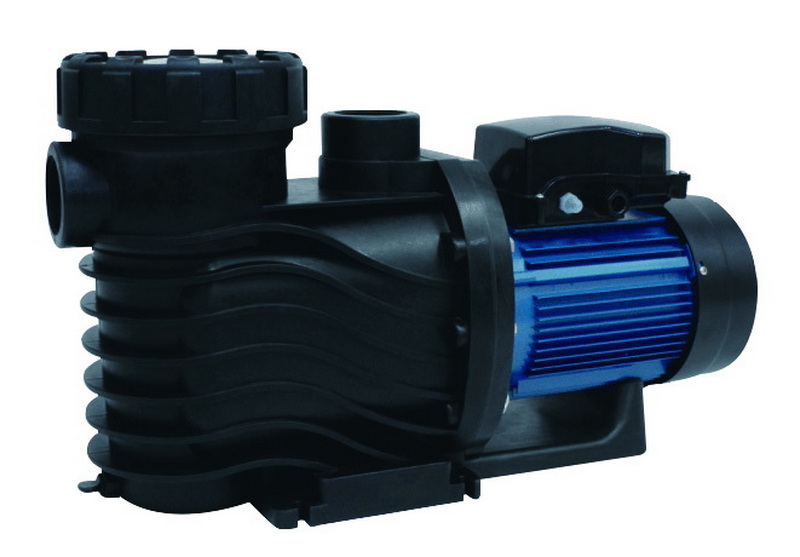
Most modern Pentair variable‑speed or variable‑flow pumps support up to 8 customizable programs, each with its own speed/flow and schedule or timer settings, though the exact number may vary by model.[4][2]
Short outages typically do not erase stored programs, but the internal clock can drift if power is off for an extended period, so it is a good idea to verify and correct the time and date after power is restored.[7][3]
Yes, you can set a schedule to run nearly continuously by choosing a start and stop time that cover the entire 24‑hour period, such as starting at 8:00 AM and stopping at 7:59 AM the next day, effectively giving you around‑the‑clock operation.[11][3]
Speed mode controls the motor at a specific RPM, while Flow mode attempts to maintain a target GPM by automatically adjusting the RPM as system conditions change, which helps keep heaters and sanitizers within their required flow ranges.[4][2]
Certain Pentair pumps, especially IntelliFlo3 VSF and IntelliPro3 models, can connect to the Pentair Home app or IntelliCenter automation, allowing you to program speeds, schedules, and modes remotely and receive alerts about pump status or errors.[6][7]
[1](https://aquapoolsupply.com/blogs/news/how-to-set-your-pentair-variable-speed-pump-to-run-continuously)
[2](https://www.pentair.com/content/dam/extranet/nam/pentair-pool/residential/pumps/intelliflo3-vsf/manuals/users-guide/intelliflo3-pro3-vsf-users-guide.pdf)
[3](https://www.wolfteck.com/assets/pentair_intelliflo_variable_speed_pump_manual.pdf)
[4](https://www.pentair.com/content/dam/extranet/nam/pentair-pool/residential/pumps/archive/intelliflo-vsf/intelliflo-vsf-om-eng.pdf)
[5](https://www.pentair.com/content/dam/extranet/nam/pentair-pool/residential/pumps/archive/superflo-vs/manuals/superflovs-variable-speed-pump-manual-english.pdf)
[6](https://partners.pentair.com/s/article/Adding-an-IntelliFlo-pump-on-IntelliCenter)
[7](https://www.pentair.com/content/dam/extranet/nam/pentair-pool/residential/pumps/intelliflo3-vsf/manuals/install-guide/intelliflo3-pro3-vsf-install-guide.pdf)
[8](https://www.pentair.com/content/dam/extranet/nam/pentair-pool/residential/pumps/superflo/user-manuals/superflo-pump-manual-english.pdf)
[9](https://www.pentairpooleurope.com/sites/default/files/2022-09/IntelliFlo3_VSF_installation_guide_en.pdf)
[10](https://www.youtube.com/watch?v=a08RlJpGC-c)
[11](https://www.epoolsupply.com/blogs/default-blog/how-to-set-pentair-pool-pump-run-continuously)
[12](https://www.youtube.com/watch?v=NV3lb6HkzIU)
[13](https://www.youtube.com/watch?v=9pGGaTRCPlA)
[14](https://www.youtube.com/watch?v=_yb_tsMI-yA)
[15](https://www.pentairpool.com.au/60/Manuals/Pumps)
[16](http://lucyspools.com/videos/pentair-variable-speed-pump-programming-step-by-step/)
[17](https://www.youtube.com/watch?v=iHtJgajmRq8)
[18](https://www.pentairpooleurope.com/vs-pump-installation-guide)
[19](https://www.youtube.com/watch?v=IZ1uu77GNYI)
[20](https://www.youtube.com/watch?v=ixTFTMoJFiQ)


