
Views: 222 Author: Tina Publish Time: 2026-01-27 Origin: Site


Content Menu
● What Happens to a Pentair Pool Pump After Power Outage
● Safety Checks Before You Touch the Pool Pump
● Step 1: Restore Power to the Pentair Pool Pump
● Step 2: Perform a Soft Reset Using the Control Panel
● Step 3: Waking a “Dead” Variable Speed Pool Pump After a Storm
● Step 4: Factory Reset Procedures for Popular Pentair Pool Pump Models
>> Factory Reset on IntelliFlo3 Pool Pump
>> Factory Reset on SuperFlo VS Pool Pump
● Step 5: Re‑Priming the Pentair Pool Pump and Restarting Circulation
● Step 6: Restoring Timers, Schedules, and Speeds
● Advanced Troubleshooting Tips for Pentair Pool Pumps After Power Loss
● Preventive Maintenance for Your Pentair Pool Pump
● FAQ
>> 1. How do I know if my Pentair pool pump lost its settings after a power outage?
>> 2. Why is my Pentair pool pump display blank even though the breaker is on?
>> 3. Will a factory reset erase everything on my Pentair pool pump?
>> 4. Is it safe to restart my Pentair pool pump immediately after a major storm?
>> 5. How long should I run my Pentair pool pump after it has been off during a power outage?
When a power outage hits, your Pentair pool pump may not restart automatically or may lose its schedule and settings, leaving your pool water uncirculated and vulnerable to algae and contamination. This comprehensive guide explains how to safely reset a Pentair pool pump after a power outage, restore normal operation, and protect your pool system from future electrical events.
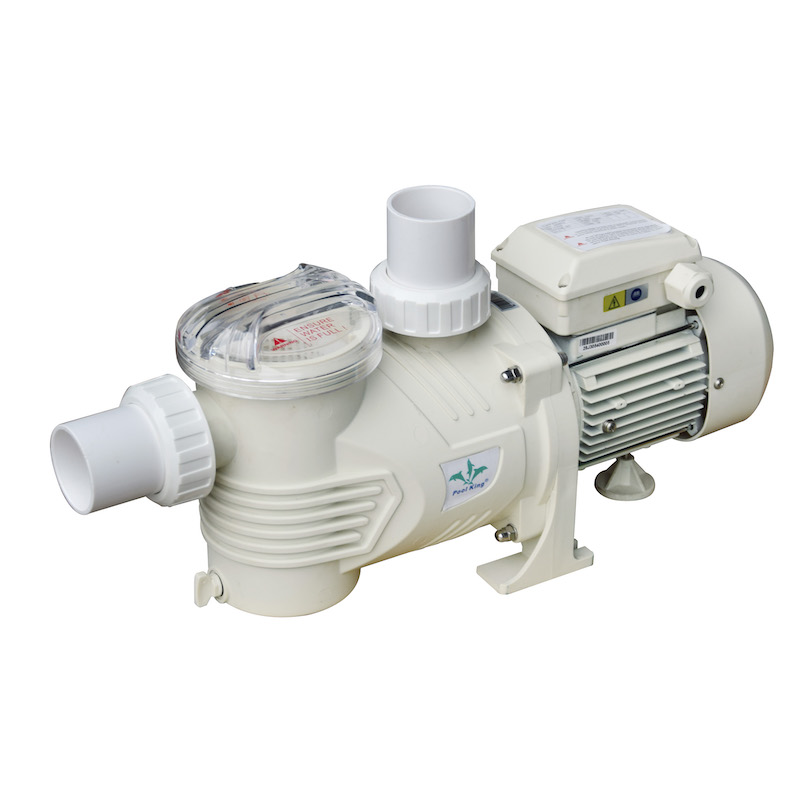
A sudden loss of power interrupts the electronic controls inside a Pentair pool pump. When electricity comes back, the pump controller may not return to its previous running state, especially if the power blinks several times or there was a lightning surge.
Typical effects on a Pentair pool pump include:
- Pump does not turn on automatically, even though it used to run on a schedule.
- Display panel is blank, frozen, or shows error codes or alarms.
- Pump runs at an unexpected speed or for shorter/longer periods than programmed.
- Internal clock and programmed schedules are lost or out of sync.
Most of these problems can be solved by checking power, performing a soft reset, and, if necessary, doing a factory reset followed by re‑programming.
Before working on any Pentair pool pump after a power outage, safety should come first. Electrical disturbances and storms can leave hazards around the equipment pad.
Follow these basic safety checks:
- Inspect the area around the pump and equipment pad. Make sure there is no standing water, visible damage, or loose wires.
- Confirm that the ground is dry and that you are not standing in water when operating breakers or switches.
- Look for signs of overheating or burning on the pump housing, control box, or wiring.
- If you notice scorch marks, melted plastic, or a burning smell, do not attempt to reset the pump. Call a qualified technician.
These precautions minimize the risk of electric shock or further damage to your pool pump and other equipment.
The first step is to confirm that the Pentair pool pump is actually receiving power.
Checklist to restore power:
- Locate your main electrical panel and the pool subpanel. Identify the breaker labeled for the pool pump or pool equipment.
- Make sure the breaker is in the ON position. If it is in the middle or OFF position, fully switch it OFF, then back ON once.
- Some installations use a GFCI breaker or outlet for the pool pump. Press the reset button on the GFCI one time to restore power.
- At the equipment pad, look for any service disconnect or kill switch near the pump. Turn it OFF for 10–15 seconds, then back ON.
After power is restored, the pump's control panel or status lights should illuminate briefly. If there is still no sign of life, there may be a deeper electrical issue in the drive or wiring.
If the pump has power but is not running properly, start with the simplest reset: a soft reset through the keypad or control panel.
General soft‑reset procedure:
- Ensure water can flow: valves on the suction and return sides should be open, and the pool water level should be mid‑skimmer.
- On the pump keypad, press the start/stop, on/stop, or similar button once to stop the pump if it is running.
- Wait a few seconds, then press the start/stop button again to command the pump to run.
- If an alarm or warning is displayed, look for a reset, clear, or acknowledge button and press it after the fault condition has been resolved (for example, if the basket was clogged and you cleaned it).
Many Pentair pool pump models will resume their last operating speed or schedule after a soft reset if the internal memory and clock are intact.
Sometimes a Pentair variable‑speed pool pump appears completely dead after a lightning storm or voltage spike, even though the breaker is on. In these cases, the drive may be in surge protection or safe mode.
Common signs of safe or surge mode:
- Pump display is blank or dim, but you can confirm power at the panel.
- All control panel LEDs flash together every few seconds.
- Buttons do not respond, or the pump refuses to start.
On many Pentair SuperFlo and similar variable‑speed models, you can “wake up” the pump using a specific key combination:
- Make sure the pump has power and the breaker is ON.
- Press and hold the “+” button and speed button “1” at the same time for a few seconds. This combination is often used to wake the drive from surge protection mode.
- If that does not work, some models require holding the plus, minus, and “1” keys together to exit safe mode.
- When the pump wakes up, the display will light and normal button functions should return.
Always consult the user manual for the exact sequence for your Pentair pool pump model, as button combinations can differ.
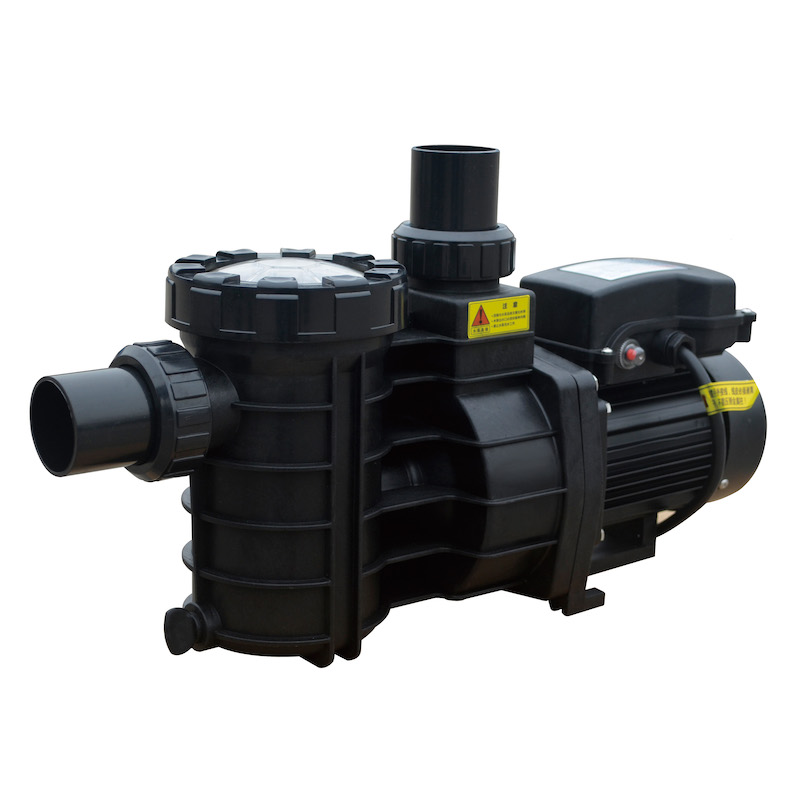
If the pump still behaves unpredictably after soft resets and surge‑mode waking, a factory reset may be required. A factory reset restores factory default settings and clears custom schedules, speeds, and sometimes communications settings.
For an IntelliFlo3 (IF3) pool pump:
- Confirm the pump has power but is stopped. If necessary, press ON/STOP until the pump is not running.
- Press and hold the CONNECT, ON/STOP, and QUICK CLEAN buttons simultaneously for 3–5 seconds.
- Watch the indicator lights: they should change color (commonly to magenta and then cyan) to confirm that the reset has started.
- Release the buttons and allow the pump to reboot. This restores default system settings.
After the factory reset, you must:
- Set the correct date and time.
- Recreate your desired speed programs and daily schedules.
- Verify communication if the pump is linked to automation or a mobile app.
For a Pentair SuperFlo VS or similar variable‑speed pool pump:
- Make sure the pump has power but is not running. If it is running, press stop.
- Open the drive cover to access the keypad.
- Press and hold all four main buttons (speed 1, speed 2, speed 3, and Quick Clean) at the same time.
- Keep holding the buttons for about three seconds until the display shows a message such as “FA rst” or another factory‑reset indicator.
- Release the buttons and wait for the pump to restart.
After this procedure:
- Re‑enter run times for each speed.
- Adjust speeds for filtration, skimming, and features such as waterfalls if applicable.
- Check that the pump starts and stops correctly at the programmed times.
Once electronic issues are cleared, you must make sure the pump is properly primed to avoid damage and ensure full water flow.
Re‑priming steps:
- Turn off the pump using the control panel and switch off the breaker if necessary.
- Open the pump lid and remove the strainer basket.
- Clean out leaves, hair, and debris from the basket and the housing.
- Reinstall the basket and fill the pump pot with clean pool water until it is full.
- Check that all suction and return valves are in the correct positions and open.
- Secure the lid firmly, making sure the lid o‑ring is clean and properly seated.
- Turn the breaker back on and start the pump at a low to medium speed.
Watch the pump for a few minutes:
- The pump should pull water quickly, push out air, and establish a solid flow.
- A steady stream of water should appear in the pump lid with minimal air bubbles.
- If the pump fails to prime, shut it down, refill the pot, and check for suction leaks or low water level in the pool.
After a power outage and reset, many Pentair pool pump models lose their internal clock and schedule settings. Without proper schedules, your pool may not circulate long enough each day.
To restore normal operation:
- Access the time or clock menu on the pump keypad and set the correct time of day.
- Recreate your daily filtration schedule. For example, program the pump to run at a moderate speed for several hours during peak daylight and at a lower speed at night if your model allows.
- If your system uses automation (such as a pool controller or app), make sure the pump and controller clocks are synchronized.
- Verify that each programmable speed corresponds to a specific purpose: filtration, skimming, spa jets, or water features.
Once everything is programmed, observe at least one full run cycle to ensure the pump starts and stops according to your schedule.
Sometimes a pool pump continues to act irregularly even after resets and re‑programming. In those cases, careful troubleshooting can help isolate the cause.
Consider the following checks:
- Verify voltage: Use a qualified electrician or pool professional to confirm that correct voltage is reaching the pump at the terminals. Low or fluctuating voltage can cause the pump to shut down or behave erratically.
- Check for debris and blockages: A clogged skimmer basket, pump basket, or impeller can cause flow errors and overheating. Cleaning these components improves efficiency and helps the pump run cooler.
- Inspect for air leaks: Bubbles in the pump lid or return lines suggest air leaks on the suction side. Common sources are loose pump lids, cracked fittings, or low water level in the pool.
- Look for surge damage: Lightning and severe surges can partially damage electronic components, leading to intermittent problems. If the pump frequently locks up, loses its display, or behaves differently after each power cycle, it may need professional service or drive replacement.
- Use surge protection: Installing a surge protector or whole‑house surge device can help protect the pump drive and electronics from future voltage spikes and outages.
Regular maintenance and careful inspection after a storm will keep your Pentair pool pump running reliably for many seasons.
Good maintenance habits reduce the risk of pump problems after a power outage and extend the life of your equipment.
Key maintenance practices:
- Clean the pump strainer basket regularly and keep skimmer baskets free of leaves and debris.
- Lubricate or replace lid o‑rings as needed to maintain a good seal and prevent air leaks.
- Maintain proper water chemistry. Balanced water reduces scale and corrosion inside the pump and plumbing.
- Keep the equipment pad clear of clutter and vegetation to allow proper ventilation around the pump motor and drive.
- Schedule periodic professional inspections, especially before heavy storm seasons or after major electrical work on your property.
Combining proper maintenance with the reset procedures in this guide will help your Pentair pool pump recover quickly from most power‑outage situations.
Not every issue should be handled by the pool owner. There are times when the safest and most cost‑effective choice is to involve a professional.
You should contact a pool technician or electrician if:
- The breaker trips immediately every time the pump attempts to start.
- There is no display or response from the pump even though voltage is present at the terminals.
- You notice burning smells, melted plastic, or visible damage on the control board or motor.
- The pump repeatedly shuts itself off with error codes that do not clear after basic troubleshooting.
A professional can test circuits, confirm proper wiring, evaluate surge damage, and determine whether repair or replacement is the best option for your Pentair pool pump.
After a power outage, a Pentair pool pump may not automatically return to its previous schedule or may seem completely unresponsive. In many cases, the pump is simply locked in a protective state or has lost its clock and programming, rather than suffering a serious mechanical failure. By following a clear sequence—restoring power, performing a soft reset, waking the pump from surge mode if needed, and using the correct factory reset procedure for your model—you can usually bring your pump back to normal operation quickly. Once the pump is primed and running, re‑establish your schedules, verify water flow, and check water chemistry so your pool returns to clear, safe, and enjoyable condition. When electrical problems or signs of damage appear, do not hesitate to call a professional, protect the equipment with proper surge protection, and treat your Pentair pool pump as the critical heart of your pool system.
Contact us to get more information!
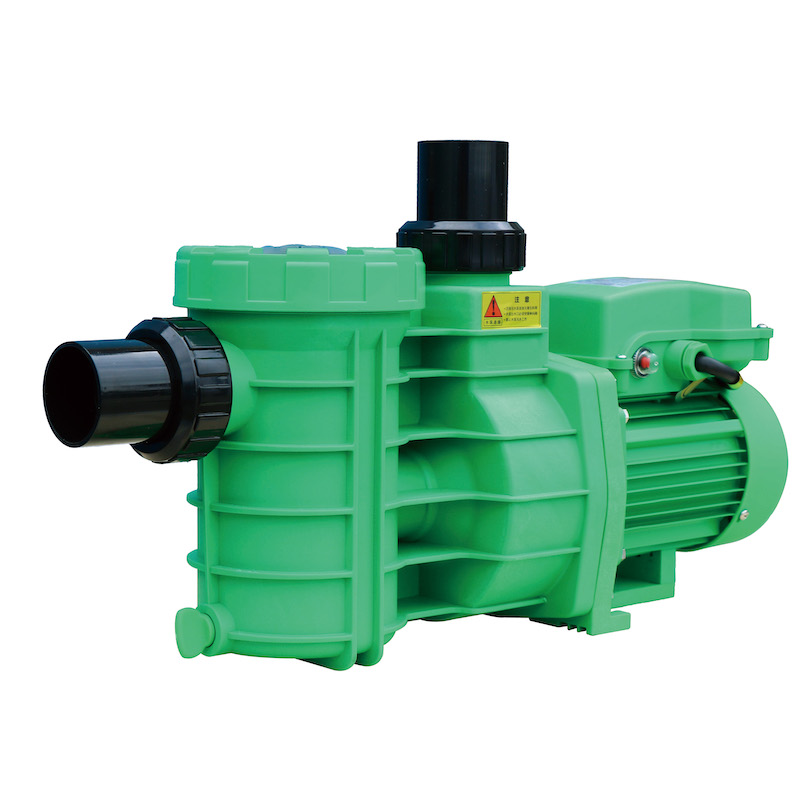
If the pump does not start at its usual times, the internal clock shows the wrong time, or your normal speeds and schedules are missing, it likely lost or corrupted its settings. You will need to reset the clock and re‑enter your daily programs using the keypad or automation system.
A blank display with power at the panel often indicates that the drive is in a protection or surge mode, or that internal electronics have been damaged. Try the recommended key combinations for your model to wake the pump. If there is still no response, the control board, transformer, or drive may require professional diagnosis or replacement.
A factory reset returns the pump to its default configuration. This usually clears custom schedules, speeds, and some advanced options. It does not erase physical wiring settings or repair hardware damage, but it is often enough to solve odd behavior caused by corrupted programming after repeated power interruptions.
You can restart the pump after a storm as long as the equipment pad is dry, wiring appears intact, and there is no visible damage to the pump or control boxes. Make a quick visual inspection first, confirm breakers and GFCI devices operate normally, then prime the pump and start at a moderate speed while monitoring for unusual noises, leaks, or breaker trips.
After a period of downtime, it is wise to run the pump long enough for at least one full water turnover to restore proper circulation and mixing of chemicals. In many residential pools, that means running the pump for several continuous hours. Once clarity and chemistry stabilize, you can return to your normal daily schedule.
1. https://www.youtube.com/watch?v=tBoKTneSbIU
2. https://appaetechpoolsupply.com/blogs/news/troubleshooting-guide-for-pentair-superflow-variable-speed-pool-pump
3. https://aquapoolsupply.com/blogs/news/how-to-reset-your-pentair-intelliflo-vsf-pool-pump
4. https://www.pentair.com/en-us/about-pentair/newsroom/blog/what-to-do-for-your-pool-after-a-power-loss.html
5. https://www.youtube.com/watch?v=xFusyrOti7s
6. https://partners.pentair.com/s/article/How-do-I-perform-a-factory-reset-on-the-IntelliFlo3-IF3
7. https://www.youtube.com/watch?v=lBHSQpVVXqw


