
Views: 222 Author: Tina Publish Time: 2025-12-16 Origin: Site


Content Menu
● Why Install a Pool Pump Timer?
● Safety First: Before Installing a Timer
● Tools and Materials You Will Need
● Step‑by‑Step: How to Install a Mechanical Pool Pump Timer
>> Step 1: Plan Location and Mount the Timer Box
>> Step 2: Shut Off Power and Open the Enclosure
>> Step 3: Identify Line and Load Wires
>> Step 4: Connect Power (Line) to the Timer
>> Step 5: Connect the Pump (Load) to the Timer
>> Step 6: Set the Current Time on the Dial
>> Step 7: Install On/Off Trippers (Tabs)
>> Step 8: Close the Enclosure and Restore Power
● How to Install a Digital or Smart Pool Pump Timer
● Programming the Ideal Run Schedule
● Maintenance Tips for Long‑Lasting Timers
● OEM and Professional Solutions for Brands and Wholesalers
● FAQs About Installing a Pool Pump Timer
>> 1. Do I need an electrician to install a pool pump timer?
>> 2. How do I know whether my pool pump timer should be 120 V or 240 V?
>> 3. Can a timer control both the pump and the heater?
>> 4. How many hours per day should I set on my pool pump timer?
>> 5. What should I do if my timer dial stops moving or the pump does not turn on?
>> 6. Can I use a smart plug instead of a dedicated pool pump timer?
Installing a timer for your pool pump is one of the simplest upgrades to save energy, reduce electricity bills, and protect your filtration system from unnecessary wear. A properly installed timer allows your pump to run only when needed, keeping your pool water clean and clear with minimal manual intervention. As a professional Chinese manufacturer of premium sand filters, DE filters, cartridge filters, pool pumps, LED lights, and accessories, we also support OEM brands and wholesalers who want to deliver complete, automated pool filtration packages to their customers.[1]
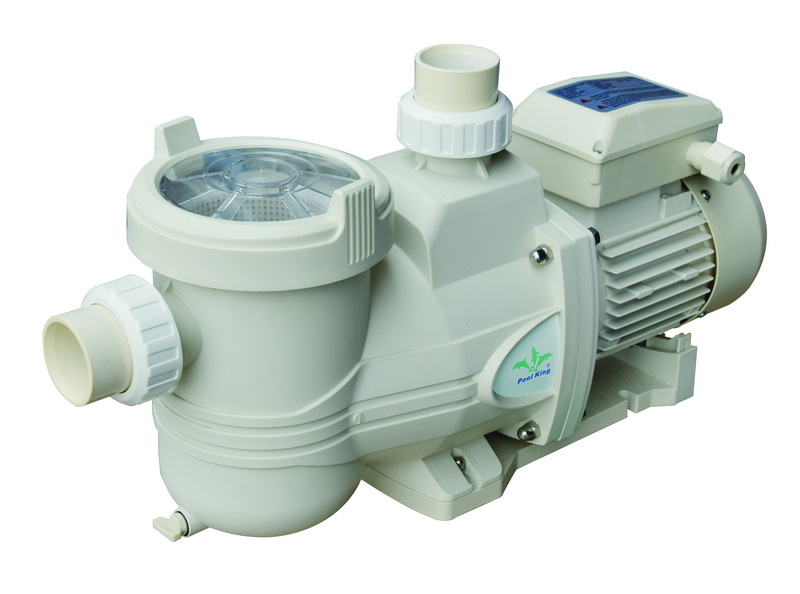
A pool pump timer is a control device that switches power to the pump on and off according to a schedule you set, ensuring the water circulates enough hours per day for proper filtration and chemical distribution. Compared with running a pump manually, timers prevent over‑filtering, cut electricity costs, and make it easy to comply with local energy‑saving recommendations.[2][1]
Most residential pool owners choose between mechanical (analog), digital, or smart/Wi‑Fi timers, each with different features and installation requirements. Choosing the right type depends on your budget, desired control level, and whether you want app‑based remote control or simple daily scheduling.[4][5][1]
Mechanical timers use a rotating 24‑hour dial with on/off “trippers” or tabs that physically flip a switch to power the pump at set times. They are simple, durable, and highly suitable for outdoor environments like pool equipment pads due to their robust, weather‑resistant construction.[5][2][4][3]
Digital timers use an electronic display and internal memory to manage multiple programmable schedules with greater precision. Many support multiple on/off periods per day, countdown modes, and battery backup to preserve settings during power outages.[4][5][1]
Smart timers connect to your home Wi‑Fi or a dedicated hub and are controlled via smartphone apps, voice assistants, or cloud services. They are especially attractive for pool owners who want to integrate pumps, heaters, and lights into a single automated system.[7][1]
Working on any pool electrical equipment involves risk, so safety precautions are mandatory and, in many areas, enforced by electrical codes. If you are uncertain about your skills, local regulations, or voltage requirements, always hire a qualified electrician to install or inspect your timer installation.[8][6]
Gathering the correct tools and materials before starting installation makes the process faster and safer.[9][8]
This section describes the typical process for installing a wall‑mounted mechanical timer in a weatherproof enclosure between the breaker and the pool pump. Always adjust wiring details to match the manufacturer diagram and your local electrical code.[2][3][6]
Choose a solid, vertical surface near the existing pool pump disconnect or sub‑panel, high enough to avoid splashing and flooding but convenient to access. Mark and drill mounting holes, then secure the timer enclosure with weather‑resistant screws and anchors as needed.[8][10]
Turn off the breaker that supplies the pool pump circuit and lock it out if possible to prevent someone from turning it on while you work. Use a non‑contact voltage tester to verify that there is no power at the existing pump switch or wiring before opening the timer cover.[8][9]
Inside the existing wiring, identify the “line” (incoming power from the breaker) and “load” (wires going to the pump motor), noting color codes and labels. For typical single‑speed pumps, you will have hot wires and a ground, plus possibly a neutral depending on the system and voltage.[3][6]
Following the timer's wiring diagram, connect the breaker feed (line) wires to the designated terminals, typically labeled 1 and 3 for a 240 V Intermatic T104 or 1 and neutral for some 120 V timers. Secure the ground wire to the timer's grounding lug and ensure all connections are tight and free from exposed copper.[2][6][3]
Connect the pump motor wires to the “load” terminals, such as 2 and 4 on a T104 for 240 V, or as shown in the instructions for your specific model. Keep wires neatly routed inside the enclosure and clamp the incoming conduits to relieve strain and maintain a weather‑tight seal.[6][2][3]
Rotate the large yellow or white dial until the current time of day lines up with the fixed time marker on the timer body, paying attention to AM/PM if indicated. The dial motor will then drive the timer through a 24‑hour cycle once power is restored.[13][2][3]
Attach the ON and OFF trippers to the dial at the times you want the pump to start and stop, tightening the screws so they do not slip. Each tab physically moves the internal switch as it passes, so an ON tripper will energize the load and an OFF tripper will shut it off on each rotation.[14][2][3]
After double‑checking all connections, gently tuck wires inside, close the cover, and secure any latches or screws to maintain the weatherproof rating. Turn the breaker back on, then use the manual ON/OFF lever on the timer to verify that the pump responds correctly and that the dial begins to rotate.[8][2][6][3]
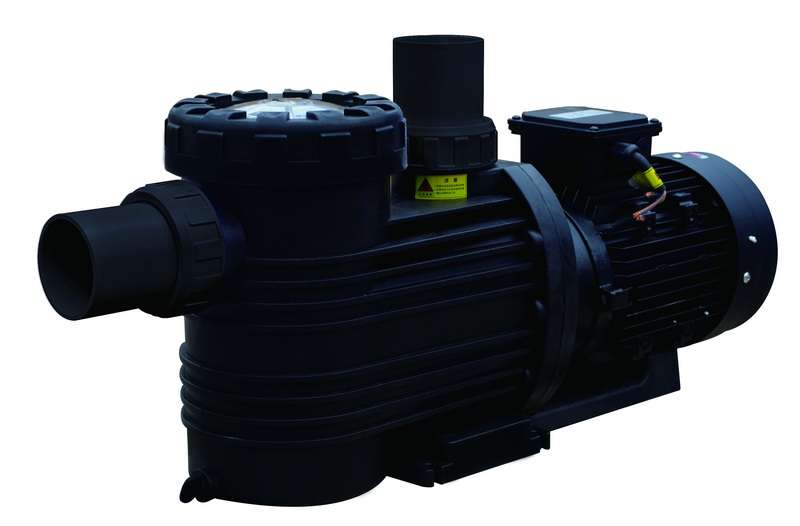
Digital and smart timers follow the same basic wiring concept—line in, load out, ground and neutral—but use electronic controls instead of a mechanical dial. Many smart models include multiple relays to switch pumps and other equipment, so always follow the specific wiring schematic included by the manufacturer.[1][7]
Once your timer is installed, the next step is to set an efficient schedule that keeps the pool clean while minimizing energy use. Most residential pools need to run long enough each day to turn over the entire volume of water at least once, with more run time in hot weather or heavy use.[14][2][1]
Several frequent timer installation errors can lead to poor performance, nuisance tripping, or even dangerous conditions. Preventing these mistakes will help your timer and pump run reliably for many seasons.[8][6][2][3]
Even though timers are relatively low‑maintenance, periodic checks can prevent unexpected failures during peak swimming season. Good maintenance also protects connected devices like pumps, heaters, and salt systems from electrical issues.[16][1][2][3]
For pool brands, wholesalers, and system integrators, combining pumps, filters, and timers into complete equipment sets offers strong value to end users. Partnering with a professional factory that produces sand filters, DE filters, cartridge filters, pumps, LED lights, and accessories allows you to deliver pre‑matched components that simplify timer installation in the field.
Installing a timer for your pool pump is a straightforward upgrade that delivers immediate benefits in energy savings, convenience, and equipment protection when done correctly and safely. By choosing the right timer type, following the manufacturer's wiring diagram, and programming an efficient daily schedule, you ensure reliable circulation and easier pool care, whether you are a homeowner or an OEM buyer bundling pumps and filters into complete systems.[1][2]
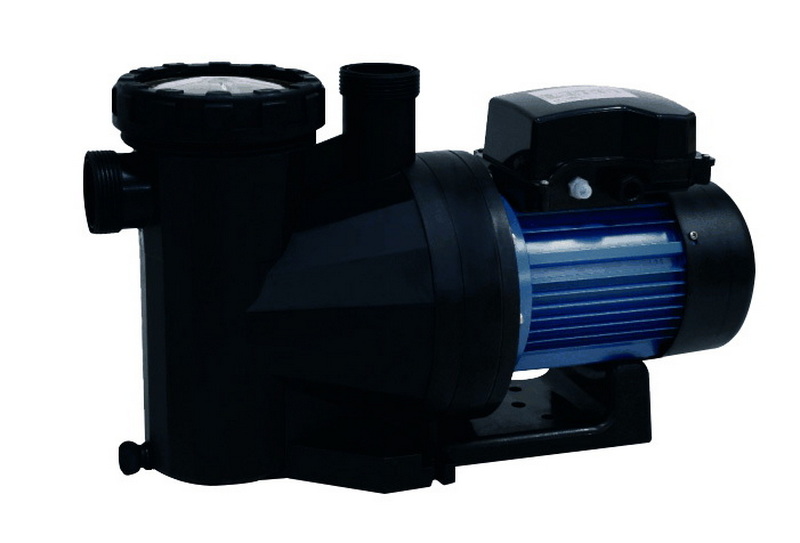
If you are not experienced with electrical work or local code requirements, hiring a licensed electrician is strongly recommended for timer installation. An electrician can ensure correct voltage, grounding, and bonding, reducing the risk of shock, fire, and equipment damage.[3][6][8]
Check the pump's nameplate and your existing breaker panel labeling to determine system voltage before purchasing a timer. Many pool pumps operate on 240 V and use timers like the Intermatic T104, while 120 V systems typically use models such as the T101.[6][2]
Some multi‑circuit timers and smart controllers can manage pumps, heaters, and other devices, but each load must be within the timer's rated amperage and wired according to the manufacturer's schematic. In many installations, the heater is interlocked with the pump through a separate control circuit rather than sharing the same simple on/off timer contacts.[7][3][6]
Most residential pools need roughly 6–8 hours of pump runtime per day, adjusted for pool size, usage, and climate. Monitor water clarity and chemical balance for a week and fine‑tune your timer schedule to maintain clear water with the lowest practical runtime.[14][1]
If the mechanical dial stops advancing or the pump does not respond at scheduled times, first verify that the breaker is on and that manual ON/OFF works. If the timer motor has failed or internal contacts are worn, replacing the timer mechanism or complete unit is often the most reliable solution.[16][2]
Most ordinary indoor smart plugs are not rated for the high amperage and outdoor conditions associated with pool pumps, so they are generally not suitable or code‑compliant. Always choose a timer specifically rated for pool pump loads and outdoor installation, ideally with relevant UL or ETL certifications.[4][5][1]
[1](https://www.bn-link.com/blogs/news/what-is-a-swimming-pool-pump-timer-how-does-it-work)
[2](https://www.inyopools.com/HowToPage/how_to_install_an_intermatic_t104_timer.aspx?CommentPage=1)
[3](https://allwiringsketch.com/intermatic-pool-pump-timer-wiring-diagram)
[4](https://dewenwils.com/blogs/news/mechanical-outdoor-timer-vs-digital-outdoor-timer)
[5](https://kdmfab.com/mechanical-timer-vs-digital-timer/)
[6](http://waterheatertimer.org/pdf/How-to-wire-T104-Intermatic-timer.html)
[7](https://www.youtube.com/watch?v=lHLevHMIoV8)
[8](https://www.youtube.com/watch?v=5YZGojgkYXA)
[9](https://www.youtube.com/watch?v=ksuYsmnE-uM)
[10](https://www.youtube.com/watch?v=co571aMvYmo)
[11](https://www.youtube.com/watch?v=E3JKZd5NGbk)
[12](https://www.youtube.com/watch?v=ImhZ0RA0iZY)
[13](https://www.splashmobpools.com/blog/how-to-set-an-analog-pool-timer)
[14](https://billyspoolservices.com/how-to-set-a-pool-pump-timer-step-by-step/)
[15](https://www.reddit.com/r/pools/comments/uhn6wf/smart_pool_timer/)
[16](https://www.youtube.com/watch?v=u2_5uXFuhpc)
[17](https://www.reddit.com/r/pools/comments/152b6ui/adding_a_pool_timer/)
[18](https://www.youtube.com/watch?v=cVw0C2G72Uk)
[19](https://www.youtube.com/watch?v=1RpLdV49NB0)
[20](https://www.facebook.com/groups/637529959937311/posts/2583790201977934/)


